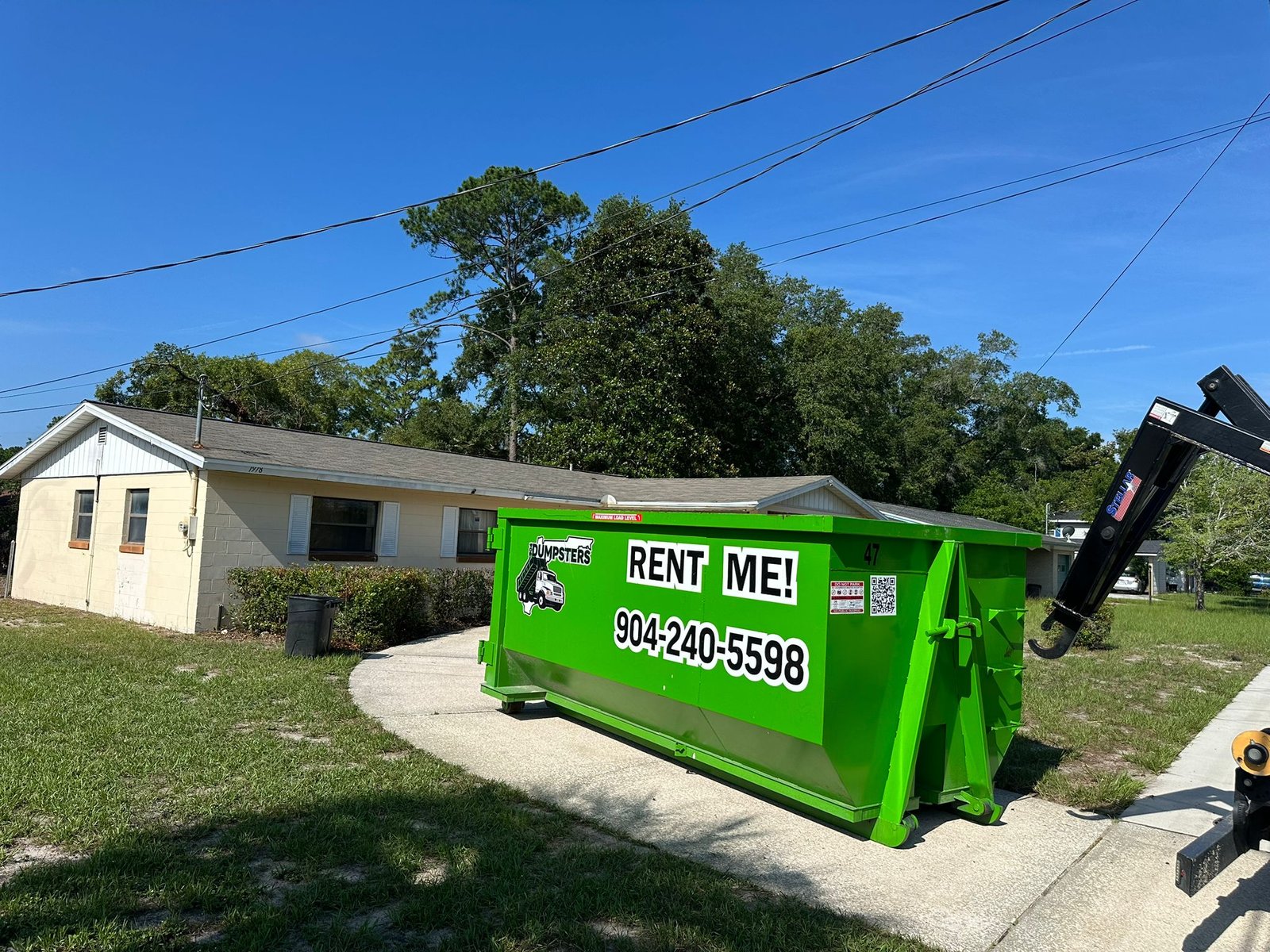
Step-by-step walkthrough of the online booking process at 904 Dumpster — choose your size, confirm your date, and get delivery without picking up the phone.
How to Book a Dumpster Online in Jacksonville FL
Booking a dumpster in Jacksonville FL takes about two minutes when you book directly on the 904 Dumpster website. No phone tag, no negotiating, no waiting for a callback.
Step-by-Step: The Online Booking Process
Step 1: Choose your dumpster size.
Select the size that fits your project:
Not sure what size you need? Use our dumpster size guide or call and we'll recommend the right fit.
Step 2: Choose your delivery date.
Select today (for same-day delivery, if before noon) or your preferred future date.
Step 3: Enter your delivery address and payment.
Add your Jacksonville address, confirm the placement location, and complete checkout. All major credit cards accepted.
Step 4: Confirm your booking.
You receive an email and text confirmation immediately. You'll get another text the morning of delivery and a driver call 30 minutes before arrival.
Step 5: We deliver and you load.
Your rental period starts on delivery day — 3 days for a 10-yard, 5 days for a 15-yard or 20-yard. Load it on your timeline.
Step 6: Call us when you're done.
Text or call when ready for pickup. We typically retrieve the dumpster within one business day.
Explore Our Services
Why Book Online vs. Calling?
Online booking locks your rate instantly. Our flat rates — $299, $349, $399 — are the same online as over the phone. But booking online:
Same-Day Online Booking in Jacksonville
If you order online before noon Monday through Saturday, we can deliver that afternoon. Just select "today" as your delivery date during checkout.
You Might Also Read
What to Have Ready Before You Start
Booking goes faster if you know three things before you open the site: your delivery address, where on the property the dumpster should sit (driveway, side yard, or street), and roughly how much clearance is available above and around that spot for a delivery truck. If your property has a gate code, an HOA placement rule, or a low tree branch near the drop zone, jot that down too so you can add it as a note during checkout instead of calling back afterward.
Placement Notes During Checkout
The address field alone does not tell a driver exactly where to put the container on a property. Use the notes field during checkout to specify driveway versus street, any gate or access code, and any obstacle to avoid (mailbox, sprinkler head, low-hanging limb). The more specific the note, the less likely a driver needs to call you for clarification on delivery day.
Booking for Someone Else's Property
If you are booking a dumpster for a job site, a rental property, or a family member's home rather than your own address, put the actual on-site contact's phone number in the delivery notes, not just your own. Our driver calls the number on file 30 minutes before arrival, and if that is not the person actually at the property, delivery can stall waiting for someone to let the truck in or confirm placement.
Booking a Multi-Day Project in Advance
For a renovation with a known start date, booking a few days ahead rather than waiting for the morning of secures your preferred delivery window and gives you time to prep the placement area, clearing vehicles, marking the drop zone, confirming HOA notice if needed, before the truck arrives. See our same-day dumpster rental guide for when same-day makes more sense than booking ahead, and when it does not.
What Happens After You Submit the Order
Online orders route the same way as phone orders: into the day's delivery schedule, confirmed by text and email, with a driver call ahead of arrival. There is no separate "online-only" fulfillment process running behind the site; booking online simply skips the phone call to get the order into that same system. For a look at what separates 904 Dumpster's direct fulfillment from a broker site that only looks like this, see our guide to choosing the best dumpster rental company in Jacksonville.
If the Online Price Looks Different Than Expected
904 Dumpster's flat rate online matches the phone rate exactly, by size and county, with no separate "online discount" or hidden add-on at checkout. If a total at checkout looks different from the published rate, that is worth a call before completing the order rather than after, since it is faster to fix before a truck is dispatched than to dispute afterward.
Changing or Canceling an Online Booking
Plans change. If you need to adjust your delivery date, swap a size, or cancel before the truck is dispatched, call (904) 240-5598 rather than trying to rebook online, since online checkout is built for new orders, not modifying an existing one. Changes are easiest the earlier you call, especially for same-day orders where the truck may already be routed.
Frequently Asked Questions
Yes. 904 Dumpster's online booking lets you rent a dumpster in Jacksonville FL in under 2 minutes — no phone call required.
Same-day delivery is available for online orders placed before noon Monday–Saturday.
904 Dumpster's online booking offers 10-yard ($299), 15-yard ($349), and 20-yard ($399) roll-off dumpsters for delivery anywhere in Jacksonville FL.
Book Your Jacksonville Dumpster Now
Rent a dumpster Jacksonville FL online — flat rates, same-day available, no hidden fees.
Tags
Related Articles
Same-Day Dumpster Rental Jacksonville FL: How It Works
How same-day dumpster delivery works in Jacksonville FL, what time you need to order by, and which sizes are available for same-day service.
Best Dumpster Rental Company in Jacksonville FL (2026 Guide)
What separates a truly reliable Jacksonville dumpster rental company from the rest — flat pricing, local ownership, same-day service, and verified reviews.